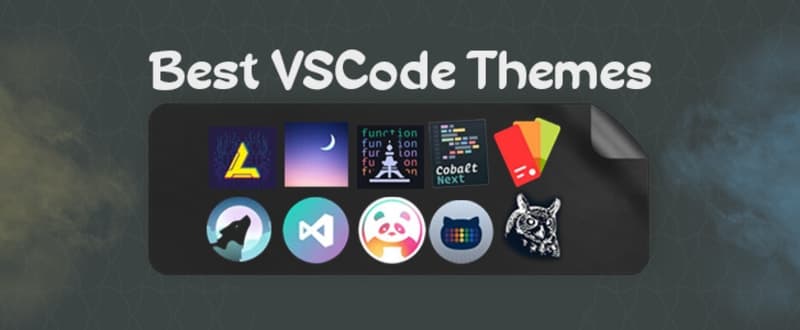
I'm talking about the themes I use in VSCode, so in my opinion, these are the best themes. The themes I mentioned below are the best themes I have ever enjoyed using. Sometimes it's good to change themes while writing code because change is always good. Sometimes changing themes motivates me while writing code. So, I feel in a different atmosphere while writing code.
I do not share themes with different designs here. Therefore, there may be similarities between themes. So in short, these are the themes I've been using lately. There may be a theme among them that you like. So enjoy.
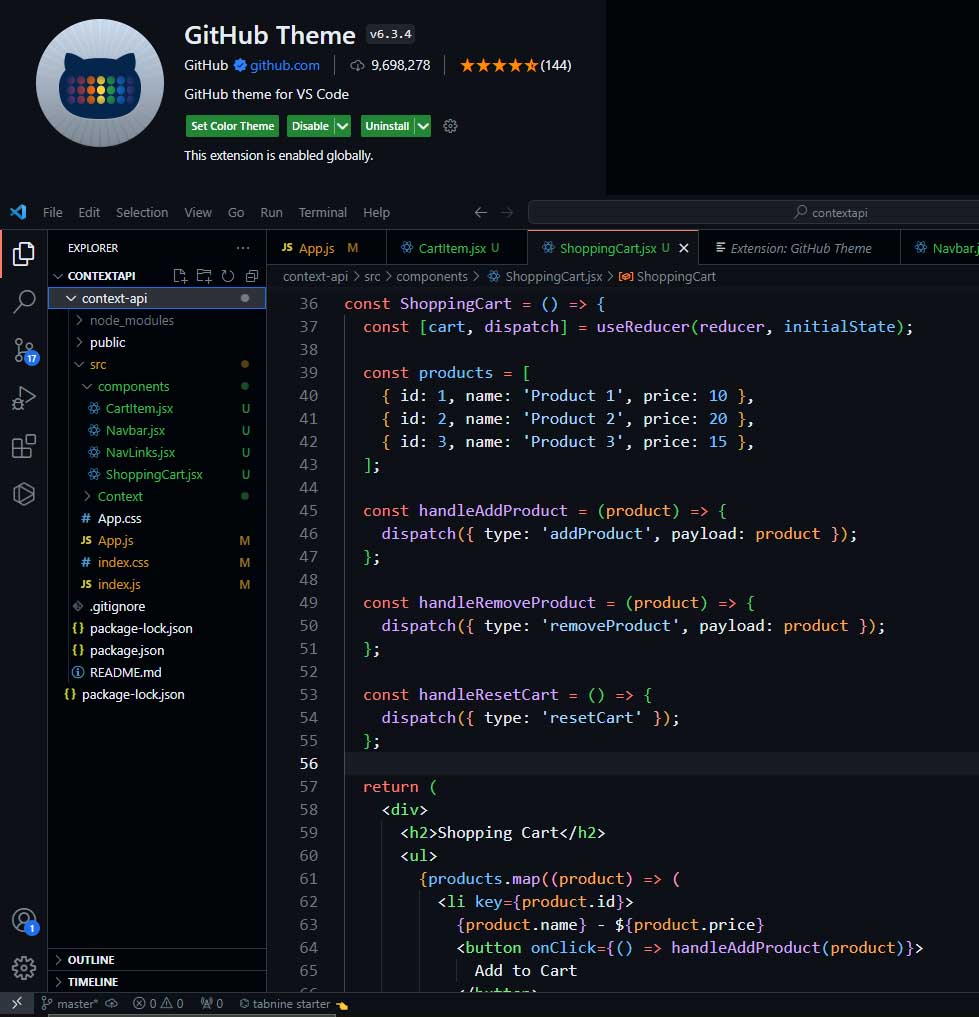
GitHub Dark Default
If you like Github's own themes, you can use them. I used this theme for a long time. pretty good. It does not tire the eyes and the color selection is good. It has been downloaded more than 9 million times to date. A popular choice among developers. It has been appreciated by most software developers.
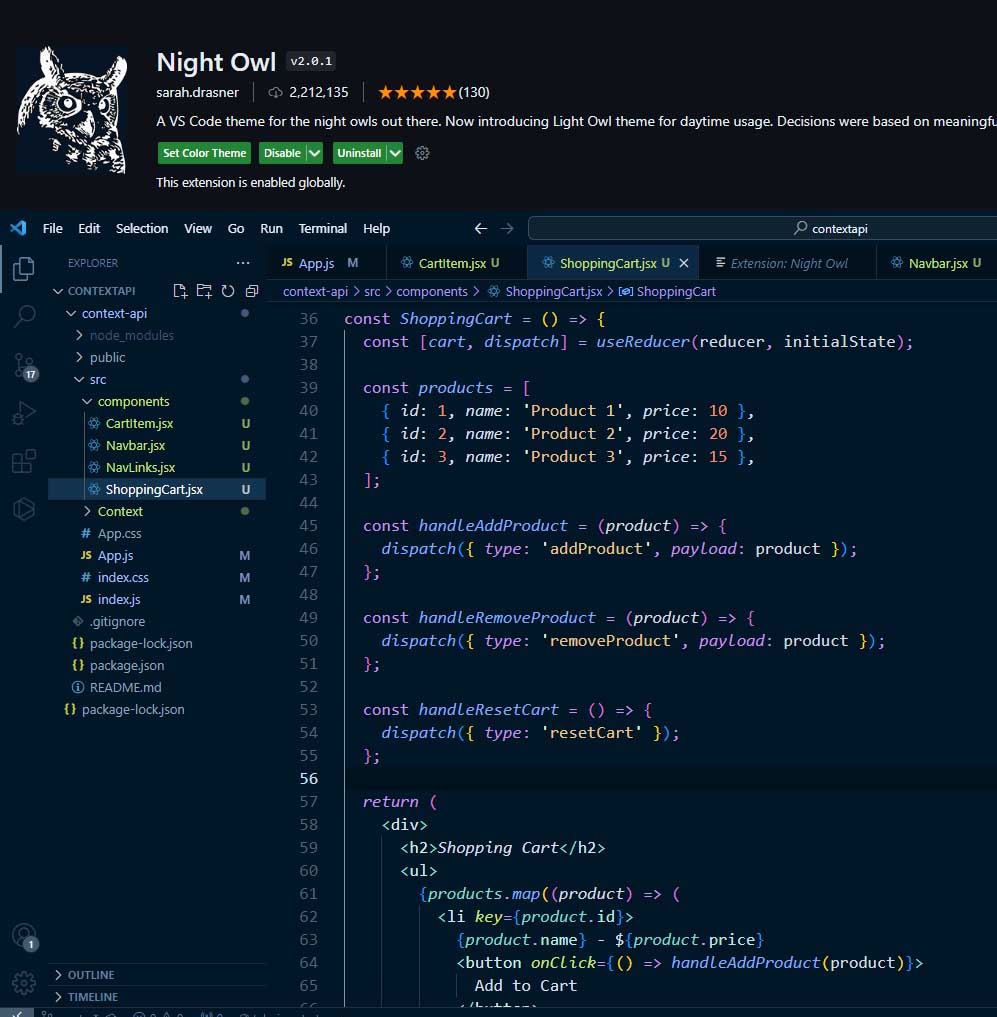
Night Owl
One of the themes I like is the Night Owl theme. Designed for night workers. It really doesn't tire the eyes. I don't like the color purple, but purple can sometimes look nice in code themes. Yes, the colors look really nice in this theme too. It is a popular theme among developers. It has been downloaded more than 2 million times.
About the theme:
A Visual Studio Code theme for the night owls out there. Fine-tuned for those of us who like to code late into the night. Color choices have taken into consideration what is accessible to people with colorblindness and in low-light circumstances. Decisions were also based on meaningful contrast for reading comprehension and for optimal razzle dazzle.
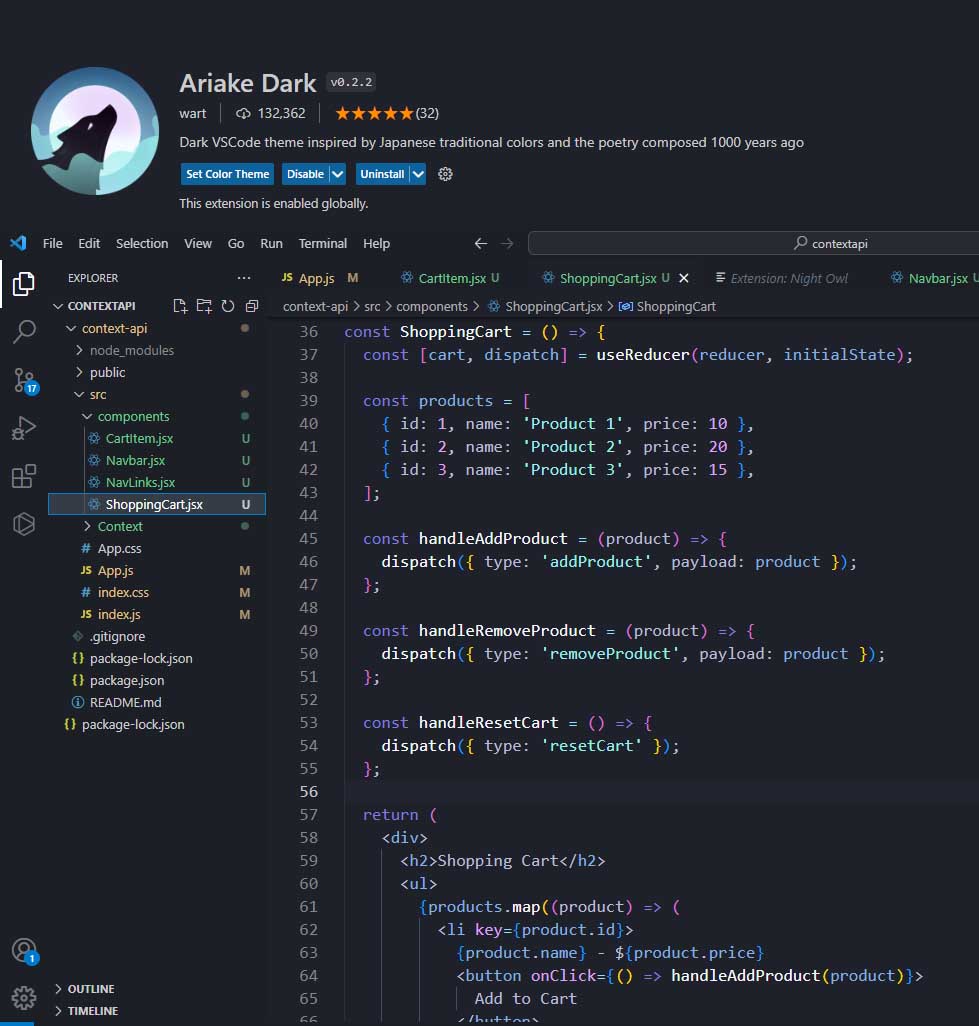
Ariake Dark
This theme has a different atmosphere. It wasn't downloaded very much. It is a theme that I enjoy using. So, it has an atmosphere that attracts people. It is also the theme I am currently using.
About the theme:
Ariake Dark color theme for Visual Studio Code
This is (a bit customized) port of Ariake Dark Syntax theme made by @pathtrk
Ariake is an atom syntax theme inspired by Japanese traditional colors and the poetry composed 1000 years ago.
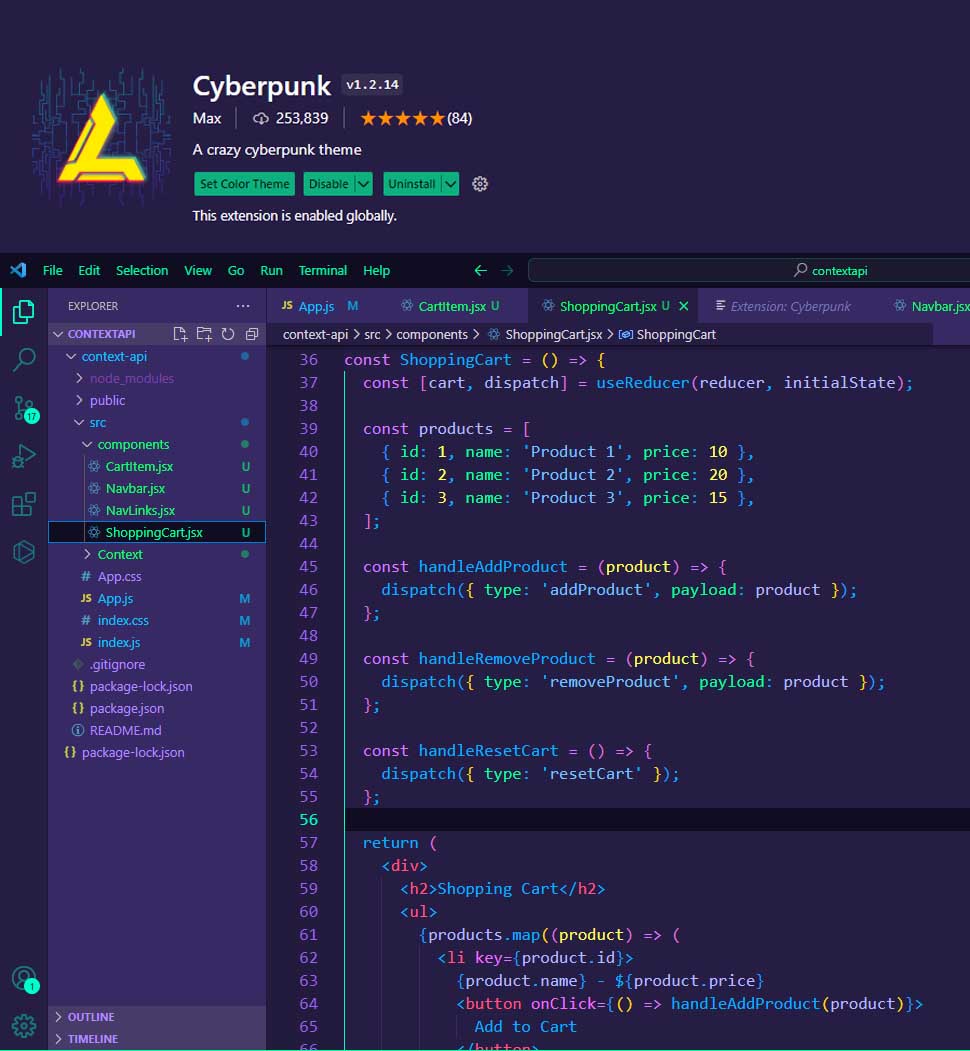
CyberPunk
There are a lot of purple colors available in this theme. I used it for a very short time. I switched to this theme when I got bored with other themes. It's not good compared to the themes I use. It seems like something is missing in this theme. Would I use it again? If I get bored, maybe I can use it for a short time.
About the theme:
I know, it may look like a rainbow and even give the sensation of distraction. But fundamentally I chose the cyberpunk theme, because it allows me to use a very wide color palette, this helps each fragment of code to have practically a color, so our eye quickly detects color changes and our brain is processing and memorizing the information received. This can help unconsciously improve your productivity when programming, as we recognize quickly, for example: if it is an object, a class, a method, etc...
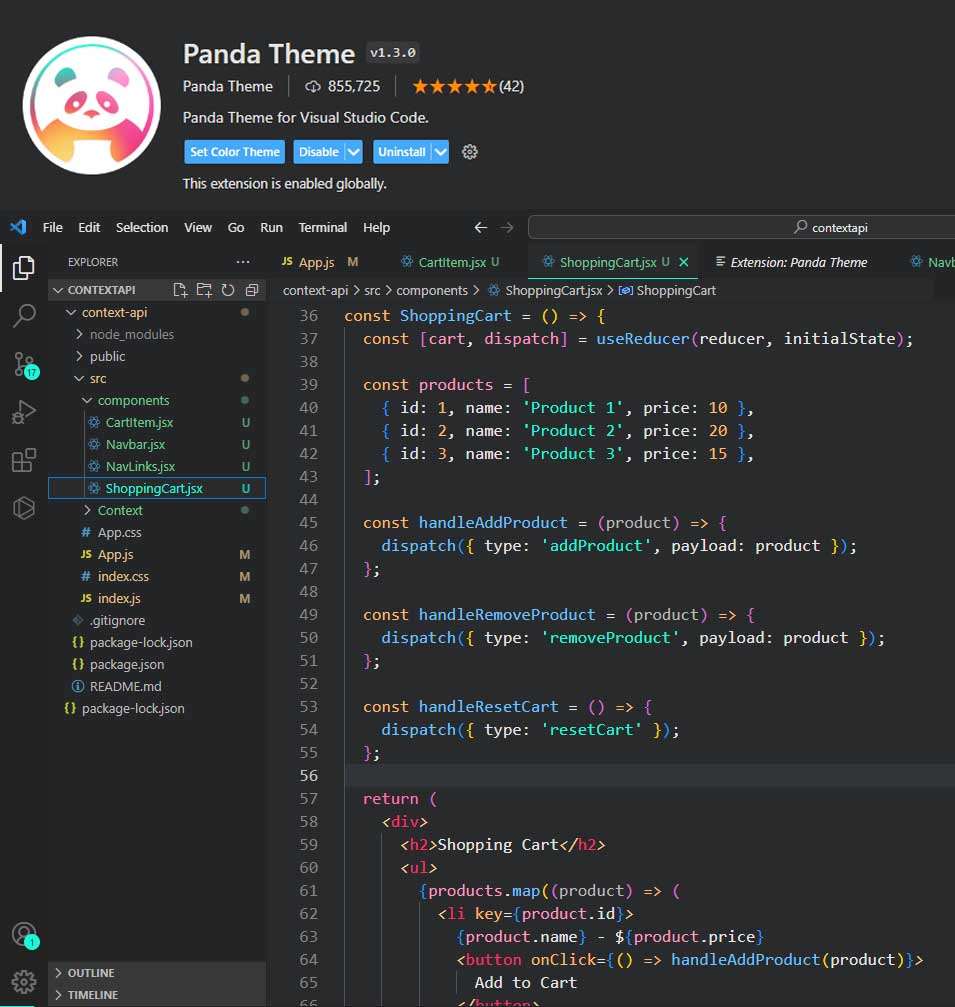
Panda Syntax
One of my favorite themes is Panda Syntax. I used it for a long time. I recommend it, it has nice colors
About the theme:
A Superminimal, dark Syntax Theme. This is the latest version of the Panda Syntax theme. It's a dark syntax theme crafted especially for Visual Studio Code [New Version], with subtle colors that are meant to be easy on the eyes.
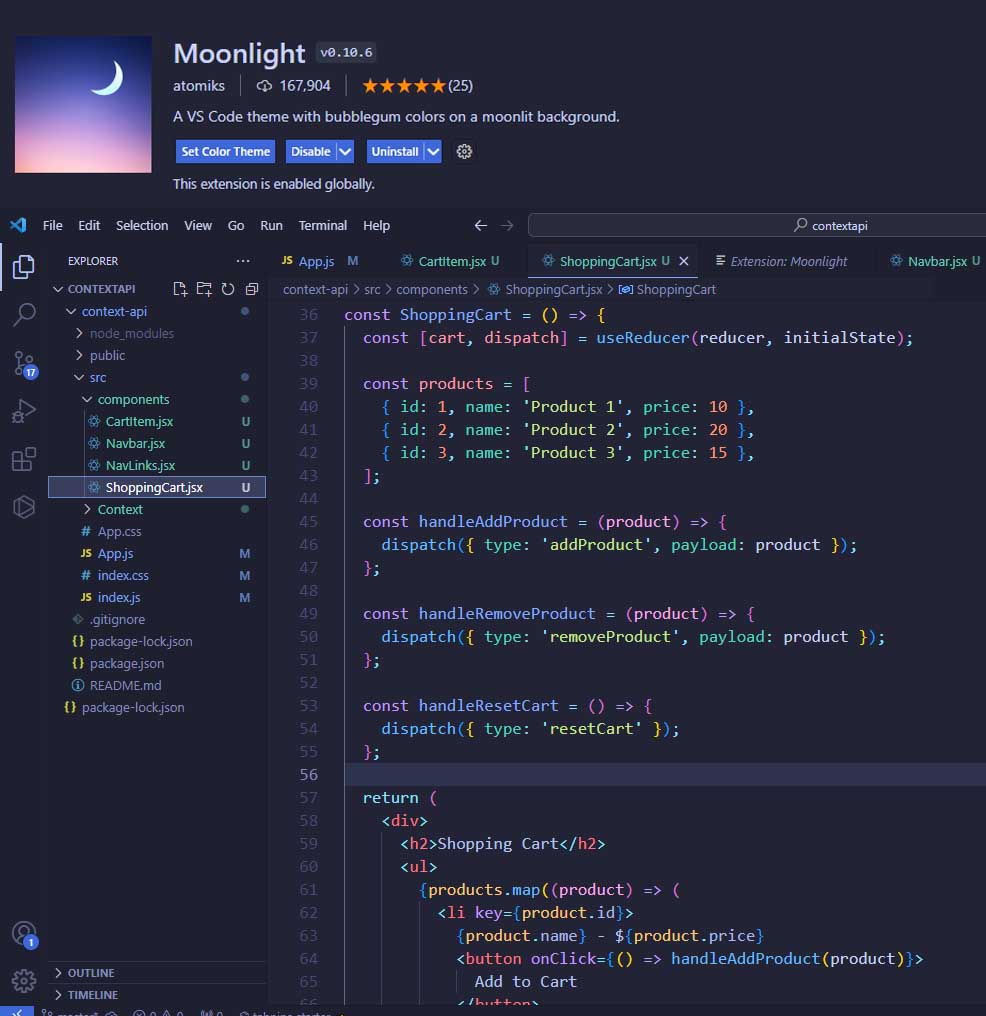
Moonlight 2
Yes, this is one of my favorite themes, like Night Owl. It helped me focus better on the code.
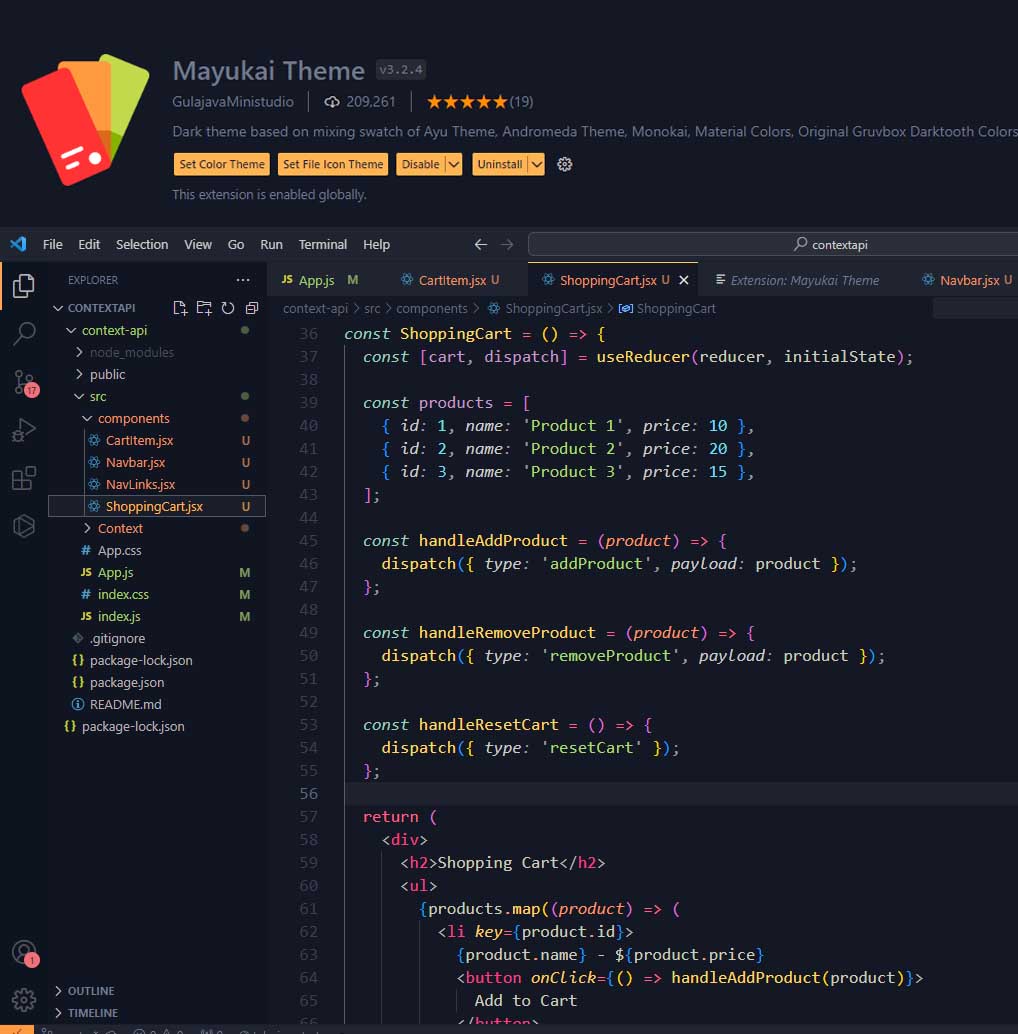
Mayukai Mono
Oh yes, this is my favorite theme. I can put this first among the themes I use. I loved the colors. I don't use it now but I used it for a very long time.
About the theme:
Mayukai Theme is dark and yellow bluish mirage theme with bright colors for easy readibility syntax. This theme is inspired from mixed color swatch in Ayu Theme, Material Theme, Monokai, Andromeda, and Gruvbox Darktooth Original Colors. These color are adjusted in Mayukai theme so it suitable for all day long programming work. This theme also included with built-in File Icon Theme called Mayukai Ayu.
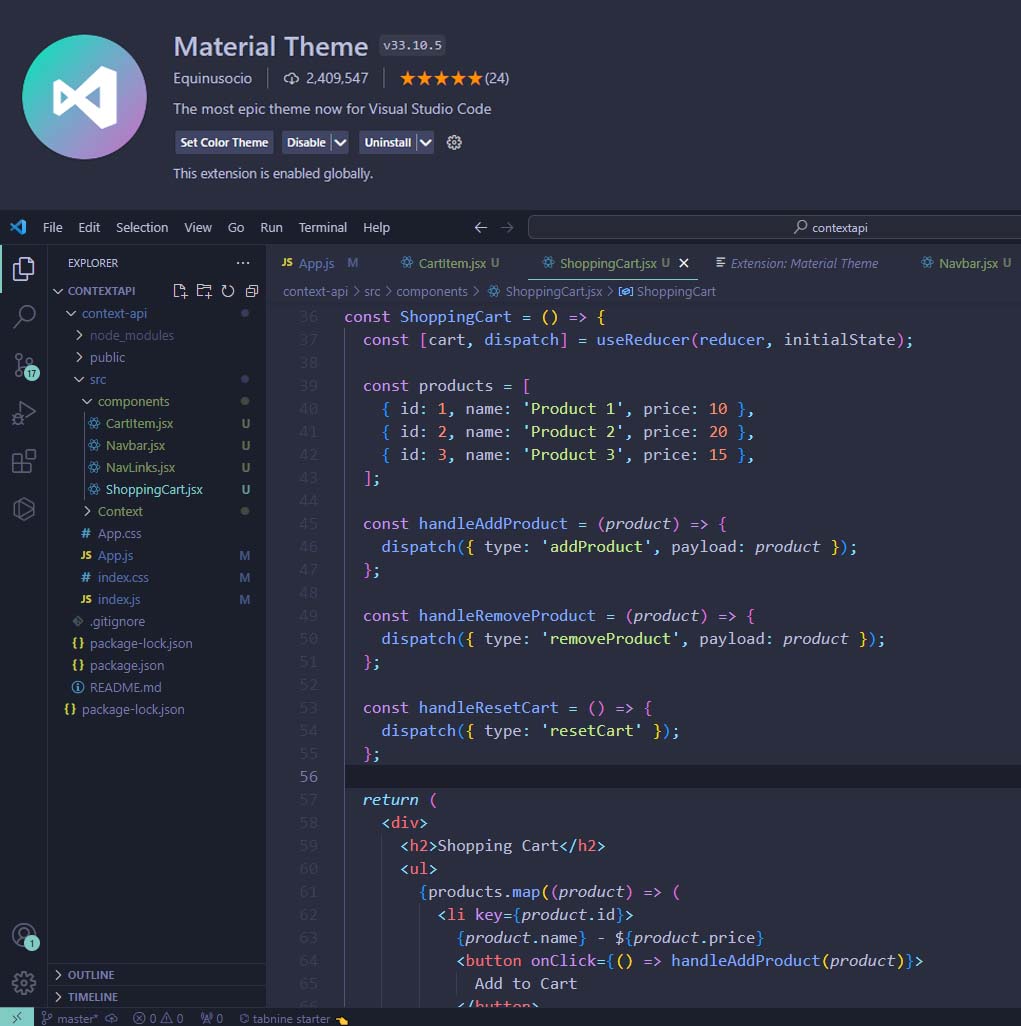
Material Theme Palenight High Contrast
One of the themes I like is Material theme. I used it for a long time. It has been downloaded more than 2 million times. Popular among developers.
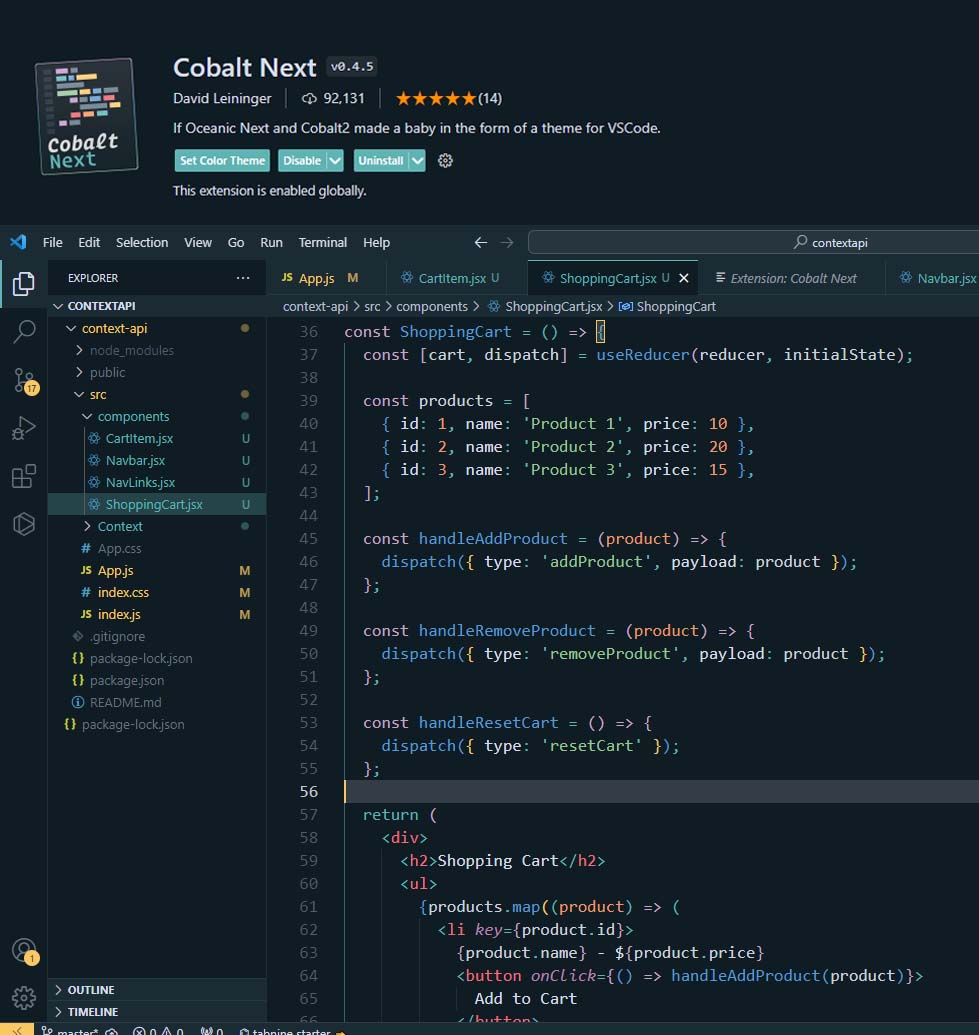
Cobalt Next Dark
I also used this for a short time. interesting theme. It was beautiful in everything, but the green color tone was not beautiful. It hasn't been downloaded very much, but it's beautiful anyway. I may use it again in the future.
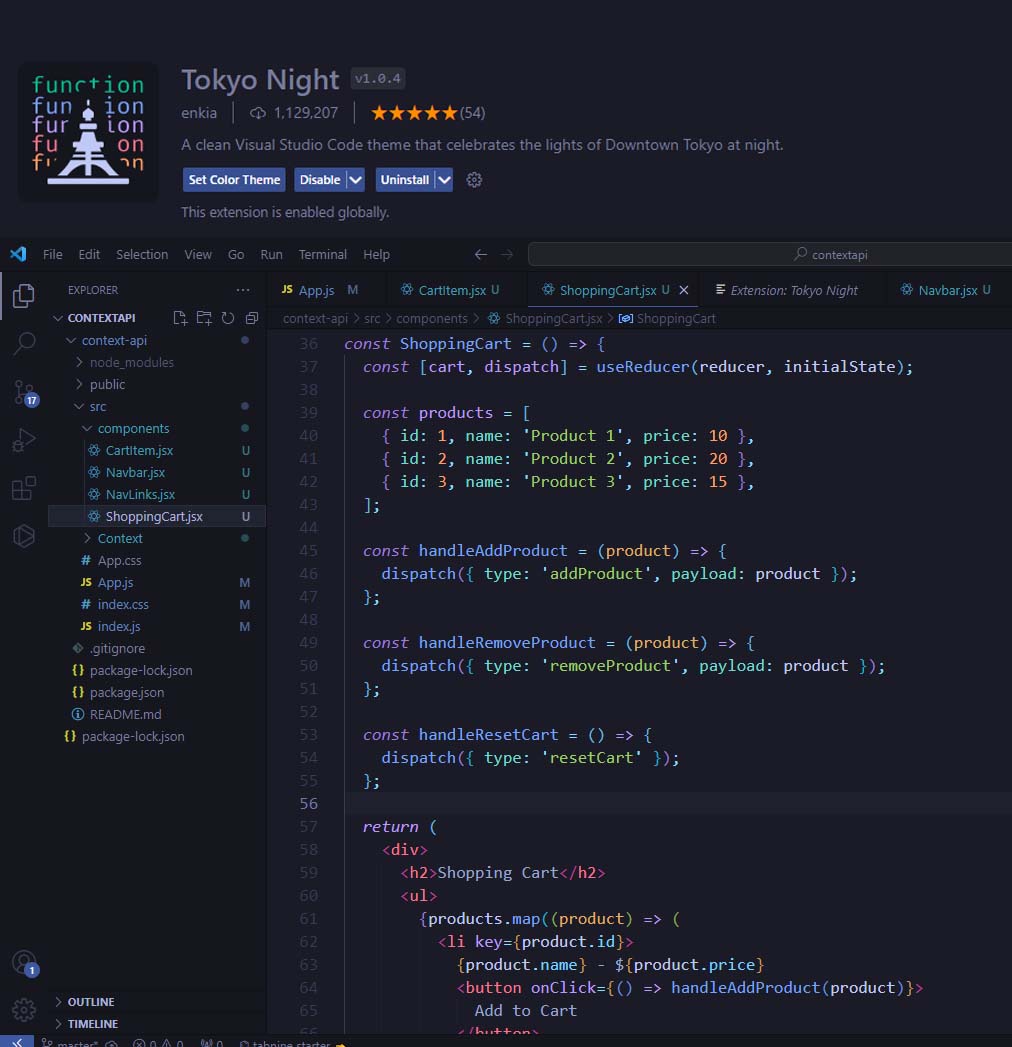
Tokyo Night
The atmosphere of the Night Owl theme is also present in this theme. There is little difference between the Moonlight 2 theme. It is among the popular themes among developers. It has been downloaded more than 1 million times.
About the theme:
A clean Visual Studio Code theme that celebrates the lights of Downtown Tokyo at night.
Yes, as I said, I am not introducing different themes here, I am just sharing the ones I prefer the most. I've used them all and liked most of them. If there are any you haven't used, you can try them. I advise. Happy coding.